Reminder: To Do List, Notes.1.1
Publisher Description
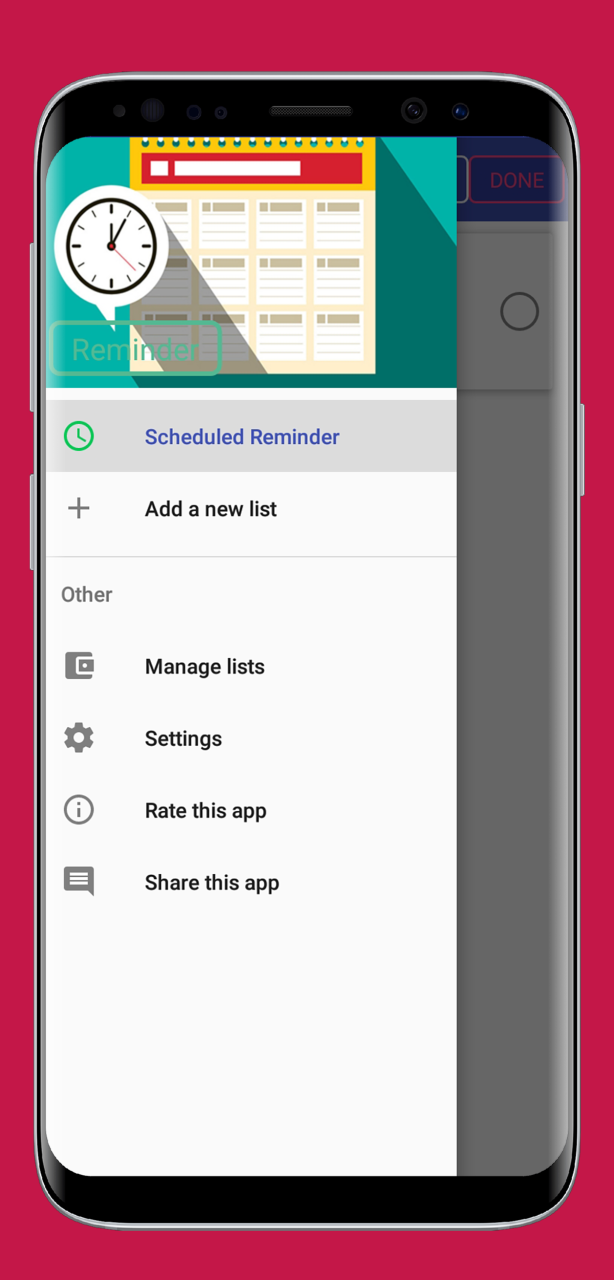
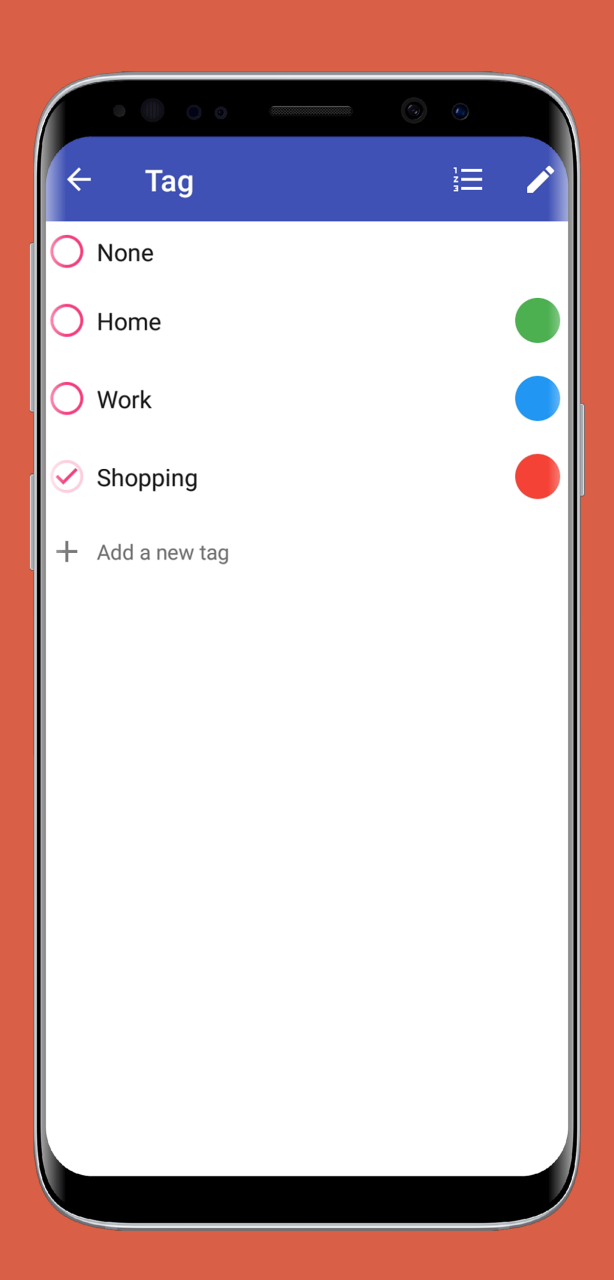
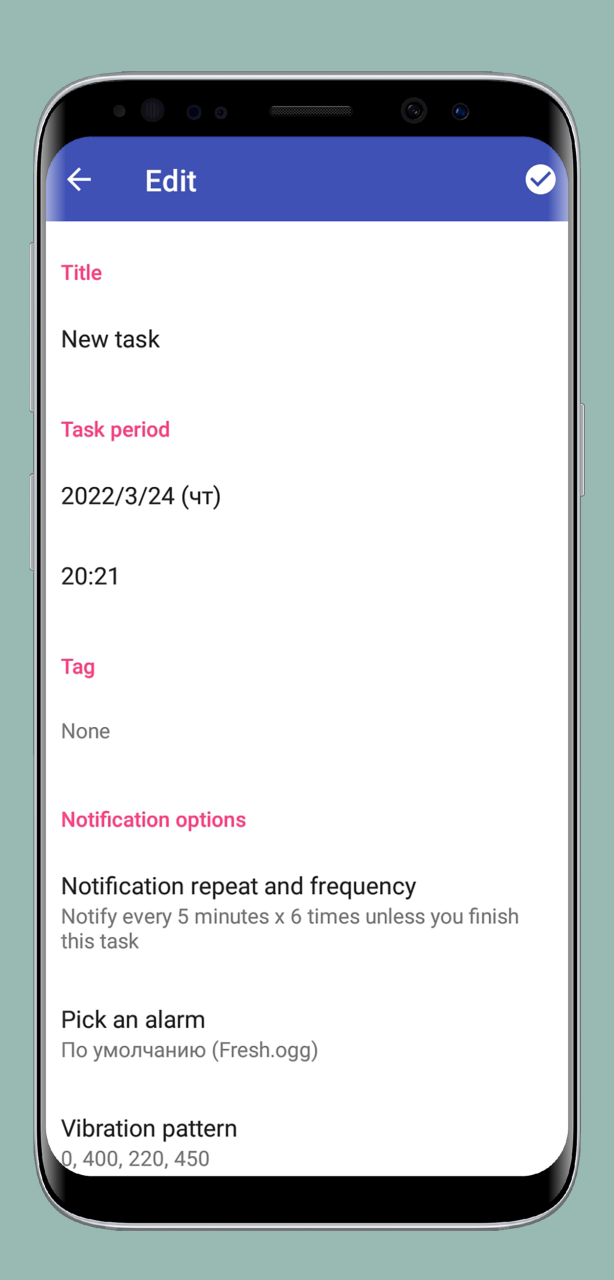
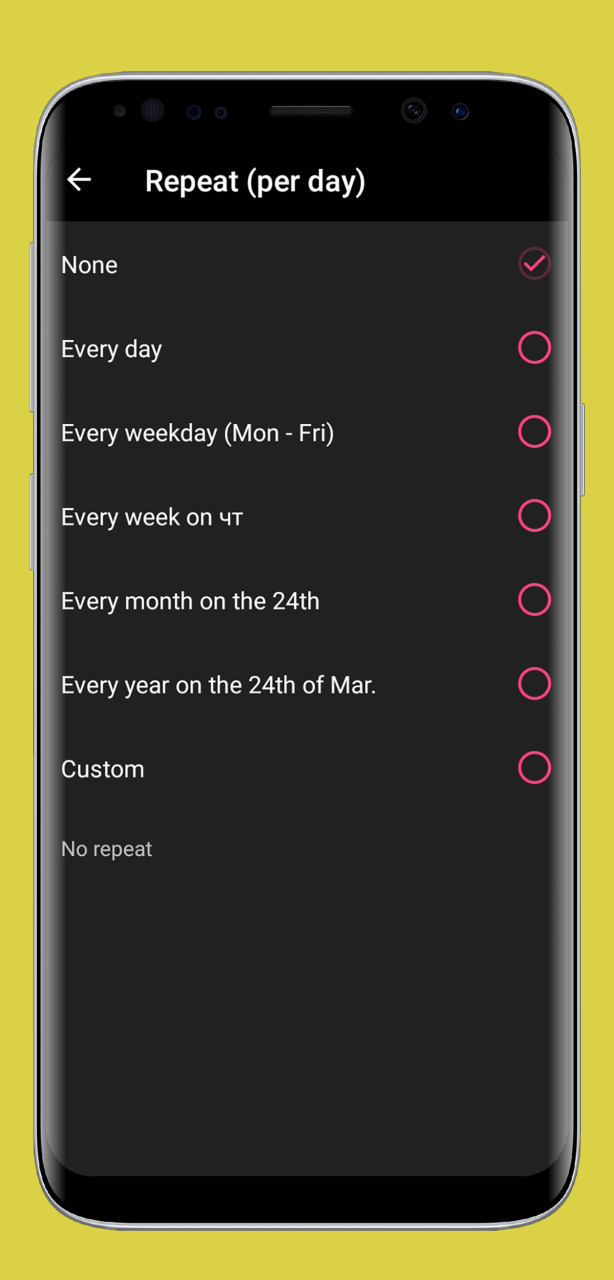
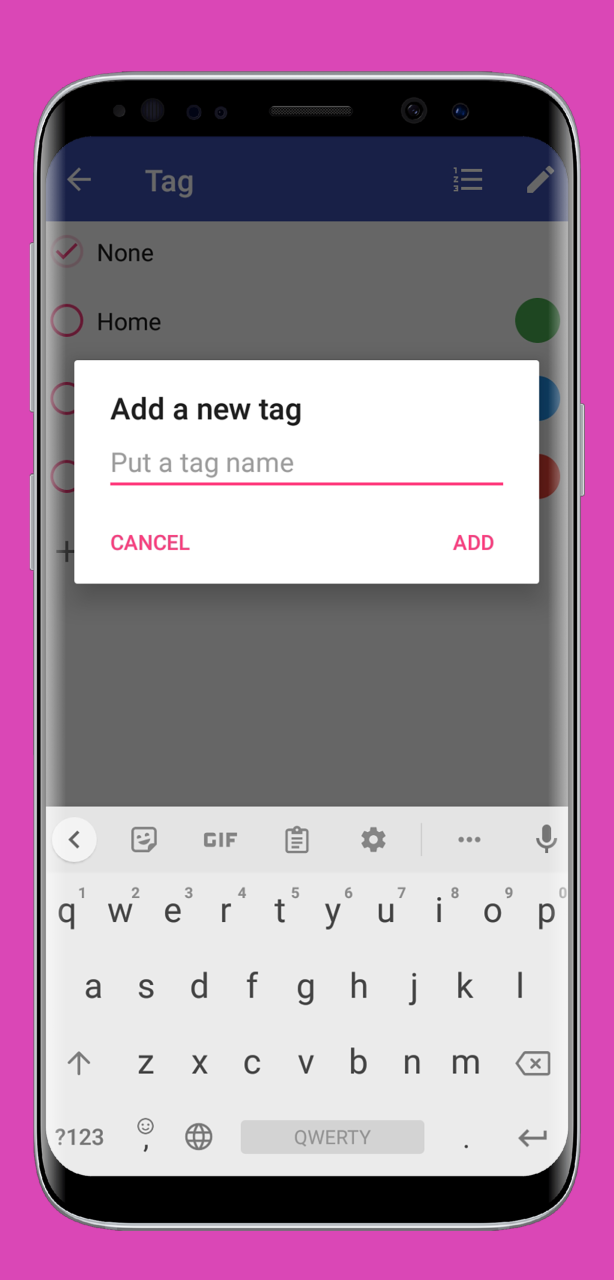
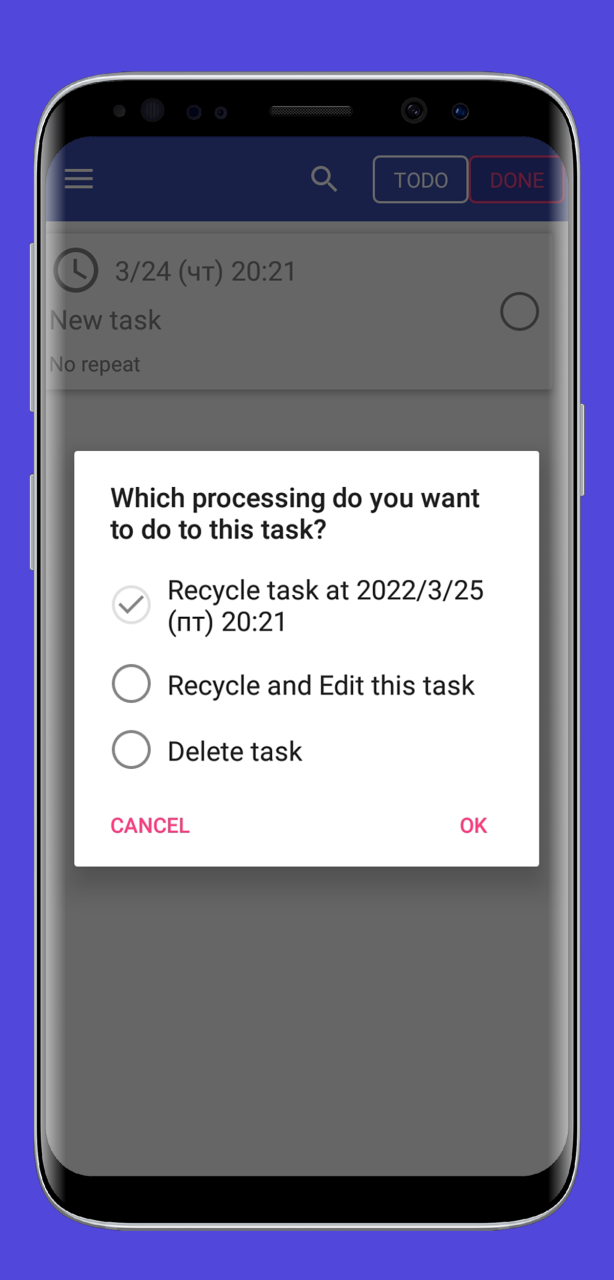
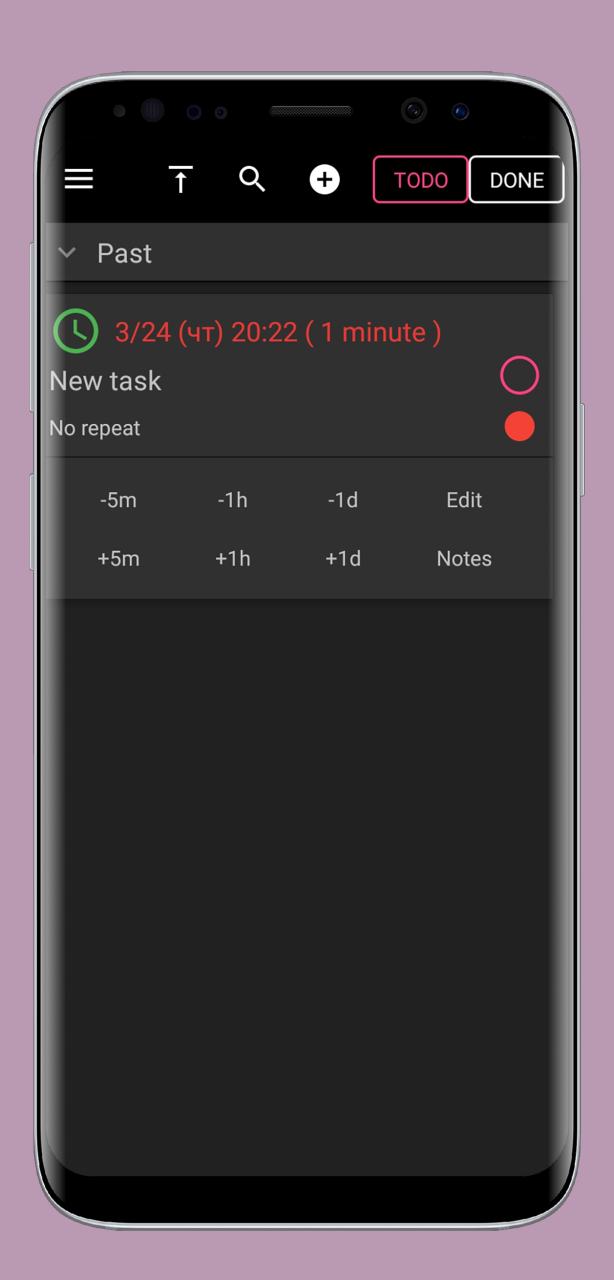
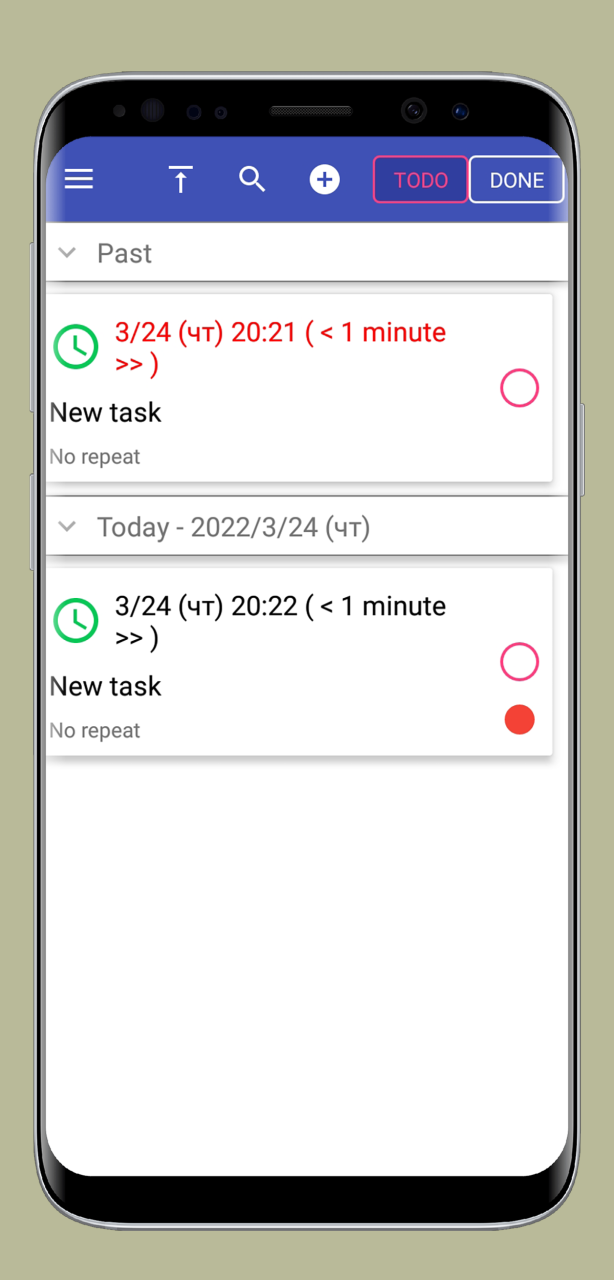
App can helps you to remind - Daily Todo Tasks, Meetings, Homework and Assignments, Business Appointments, Taking Medication/Pills, Paying Bills, Policy renewals, Important Calls, Birthdays, Anniversaries and many more.
App features:
- Easy and quick to set reminders.
- Customise your reminder in your own way with repeat options minute, hour, daily, weekly, monthly, weekdays, yearly.
- Can set in-advance alerts for Reminders.
- Can choose reminder alert as Notification or Alarm.
- It will remind you with alarm notification with your favourite sound.
Reminder with Alarm. To Do List, Organizer, Notes is the perfect companion for notifiying your events and other important tasks. With plenty of customizable options, Reminder with Alarm is made as simple as possible for the best user experience. You can write down the one time tasks or events that repeat in a certain interval like birthdays, meetings.
Reminder with Alarm - a truly intuitive free reminder app that will never let you miss a thing.
About Reminder: To Do List, Notes.
The company that develops Reminder: To Do List, Notes. is Dzmitry Merkul. The latest version released by its developer is 1.1.
To install Reminder: To Do List, Notes. on your Huawei device, just click the green Continue To App button above to start the installation process. The app is listed on our website since 2022-05-16 and was downloaded 20 times. We have already checked if the download link is safe, however for your own protection we recommend that you scan the downloaded app with your antivirus. Your antivirus may detect the Reminder: To Do List, Notes. as malware as malware if the download link to C106196481 is broken.
How to install Reminder: To Do List, Notes. on your Huawei device:
- Click on the Continue To App button on our website. This will redirect you to Huawei Store.
- Once the Reminder: To Do List, Notes. is shown in the Huawei Store listing of your Huawei device, you can start its download and installation. Tap on the Install button located below the search bar and to the right of the app icon.
- A pop-up window with the permissions required by Reminder: To Do List, Notes. will be shown. Click on Accept to continue the process.
- Reminder: To Do List, Notes. will be downloaded onto your device, displaying a progress. Once the download completes, the installation will start and you'll get a notification after the installation is finished.
